
Woodge System Update 26.02
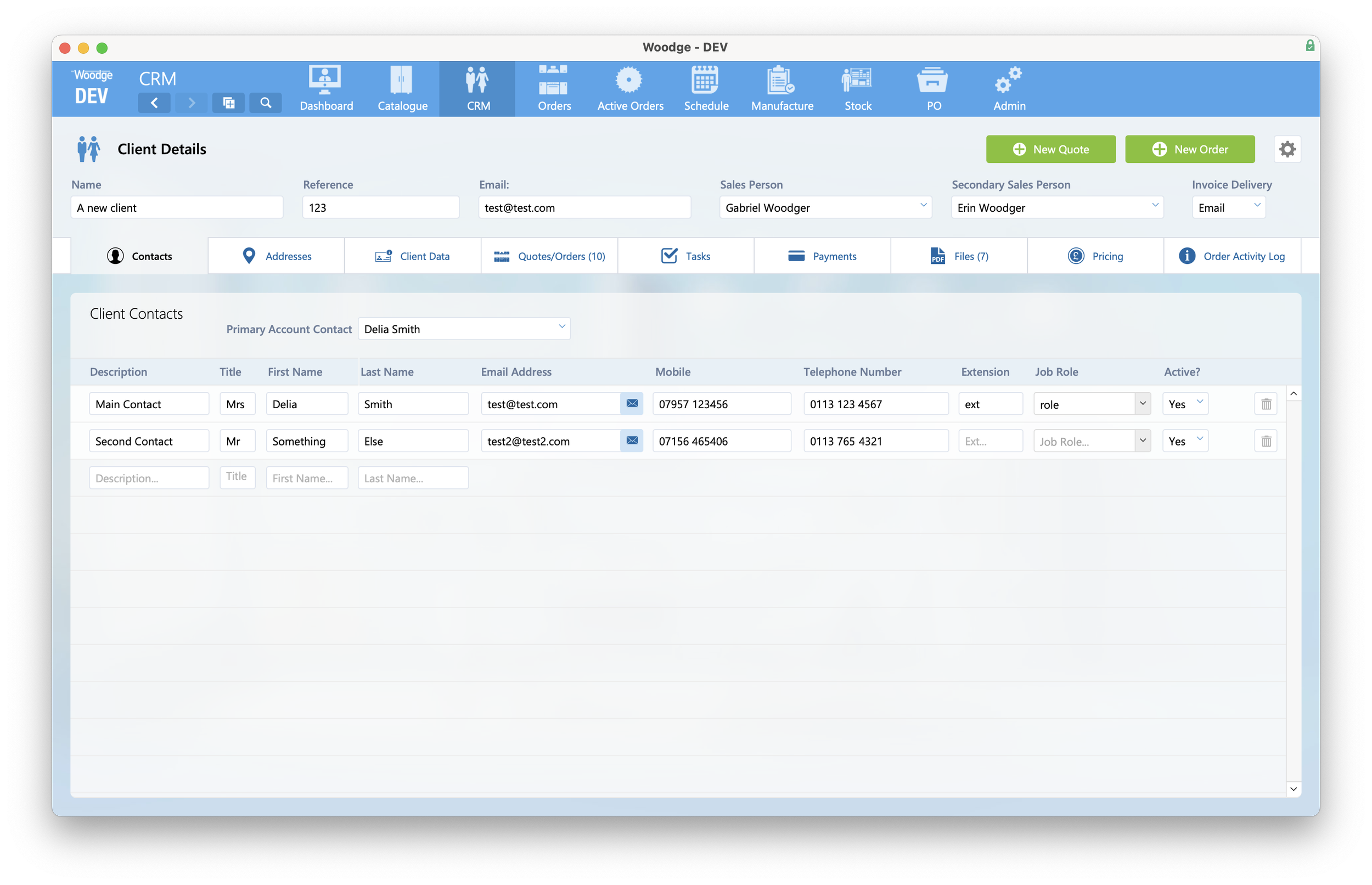
The Woodge 26.02 update introduces enhanced control over confidential client data access, improved dashboard navigation for clearer and more consistent reporting, and new visual feedback for consignment barcode scanning.
Confidential Client Data Access
Much of the data stored within the Woodge system is confidential client data such as personal contact details and addresses. Some users in the woodge system have no need access to information. The Woodge system now makes it easy to manage which users can access this information, ensuring GDPR compliance.
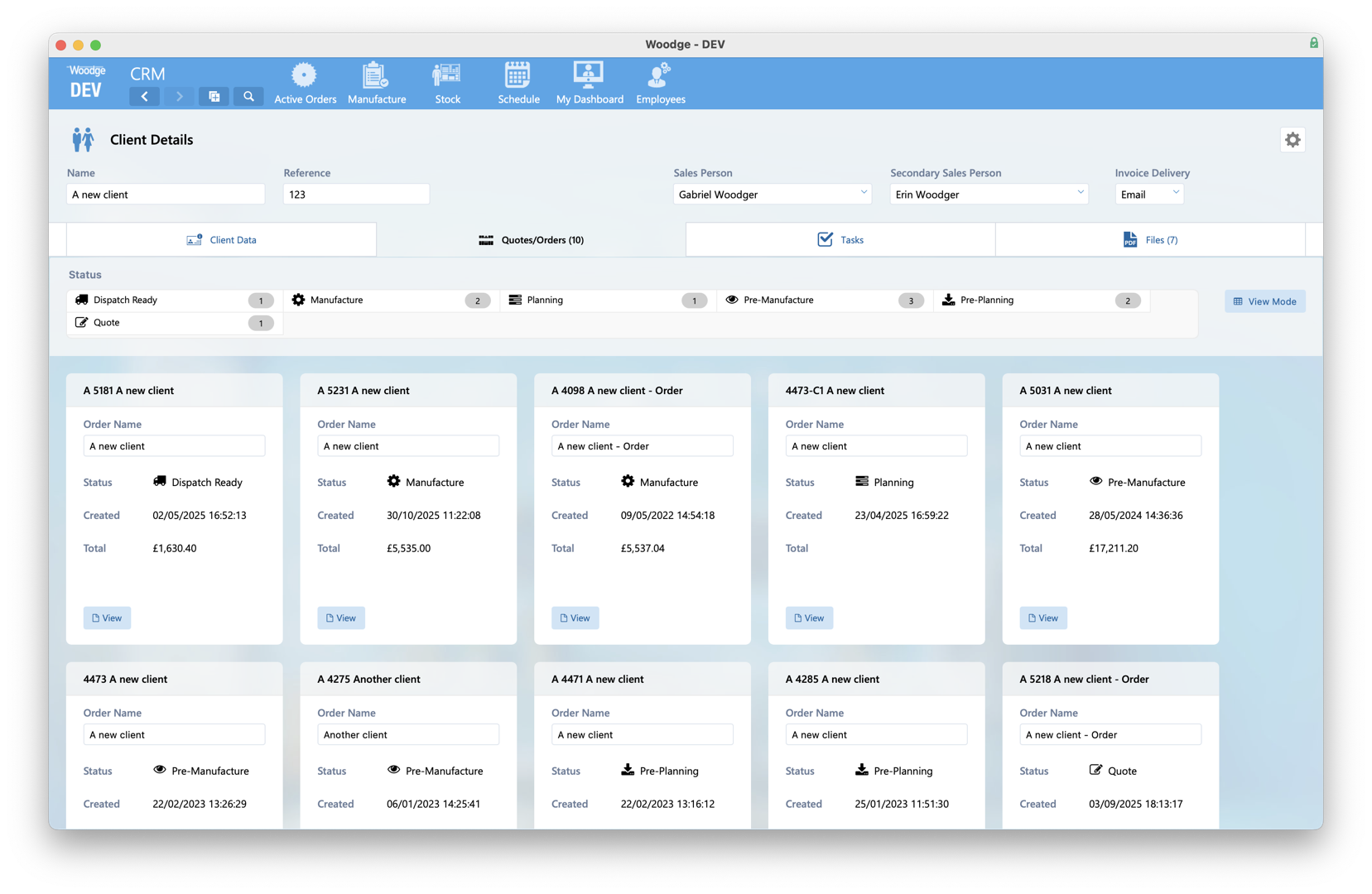
Rather than blocking access to whole areas of the system, the Woodge system has now been updated to prevent access to just the confidential user information in all the places where it appears.
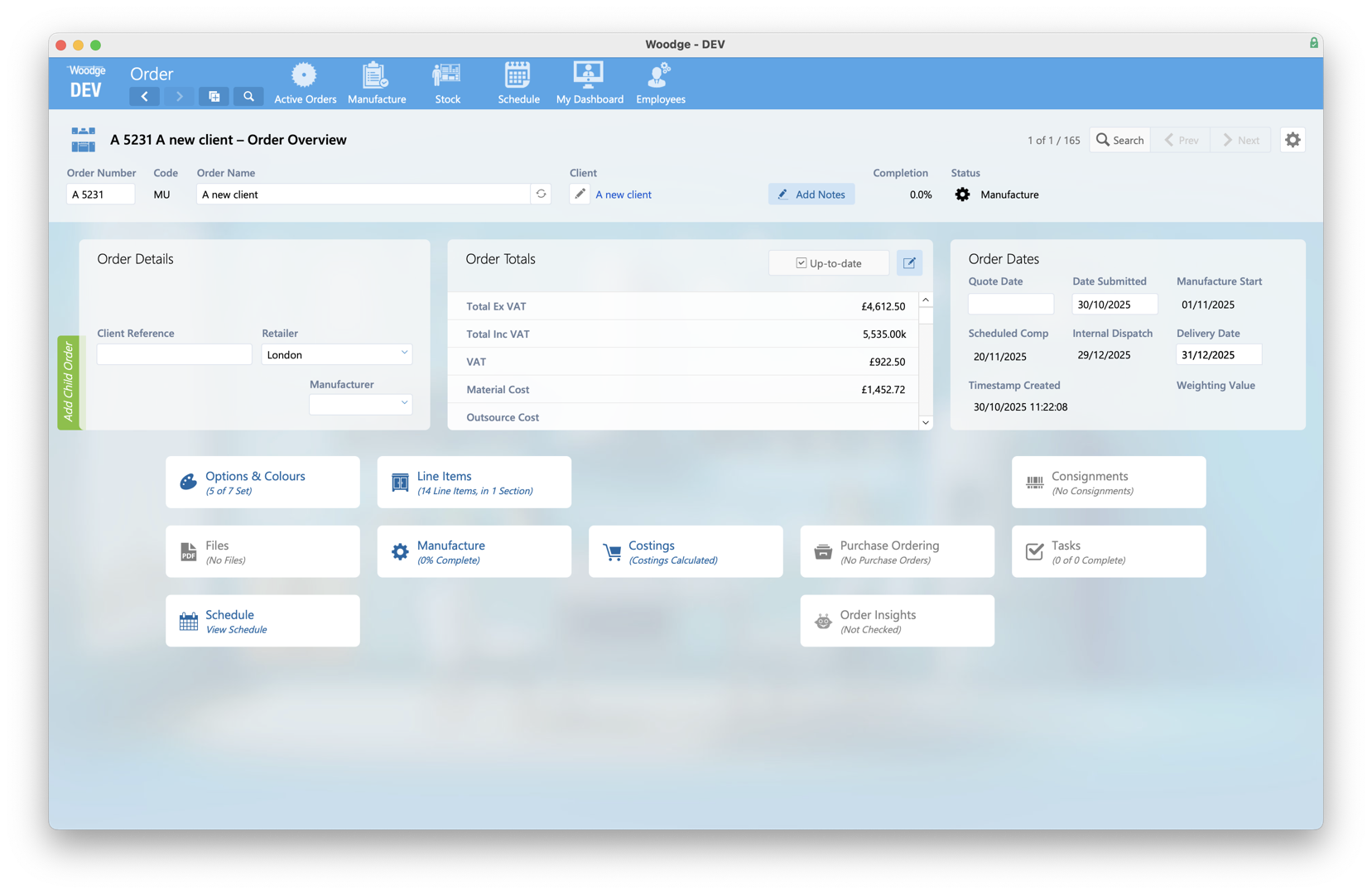
Across the whole system the access permissions have been updated to ensure that confidential client or employee information is only available to those users with the right account type.
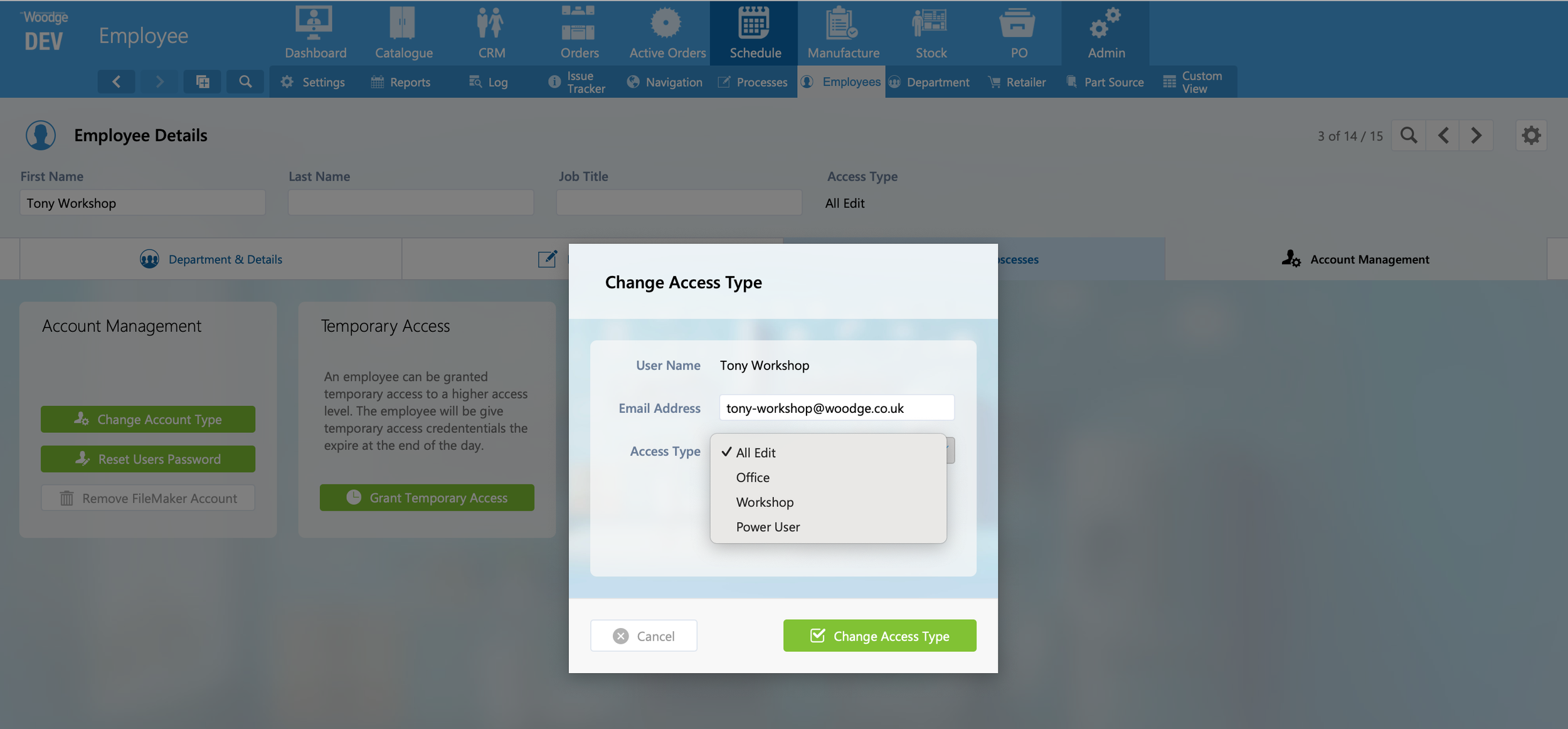
An employee’s access type can be changed from the Employee Detail layout in the Admin area. By default, ‘Workshop’ users cannot view confidential client data, but this is configurable on a per-system basis.
Dashboard Stats Navigation Improvements
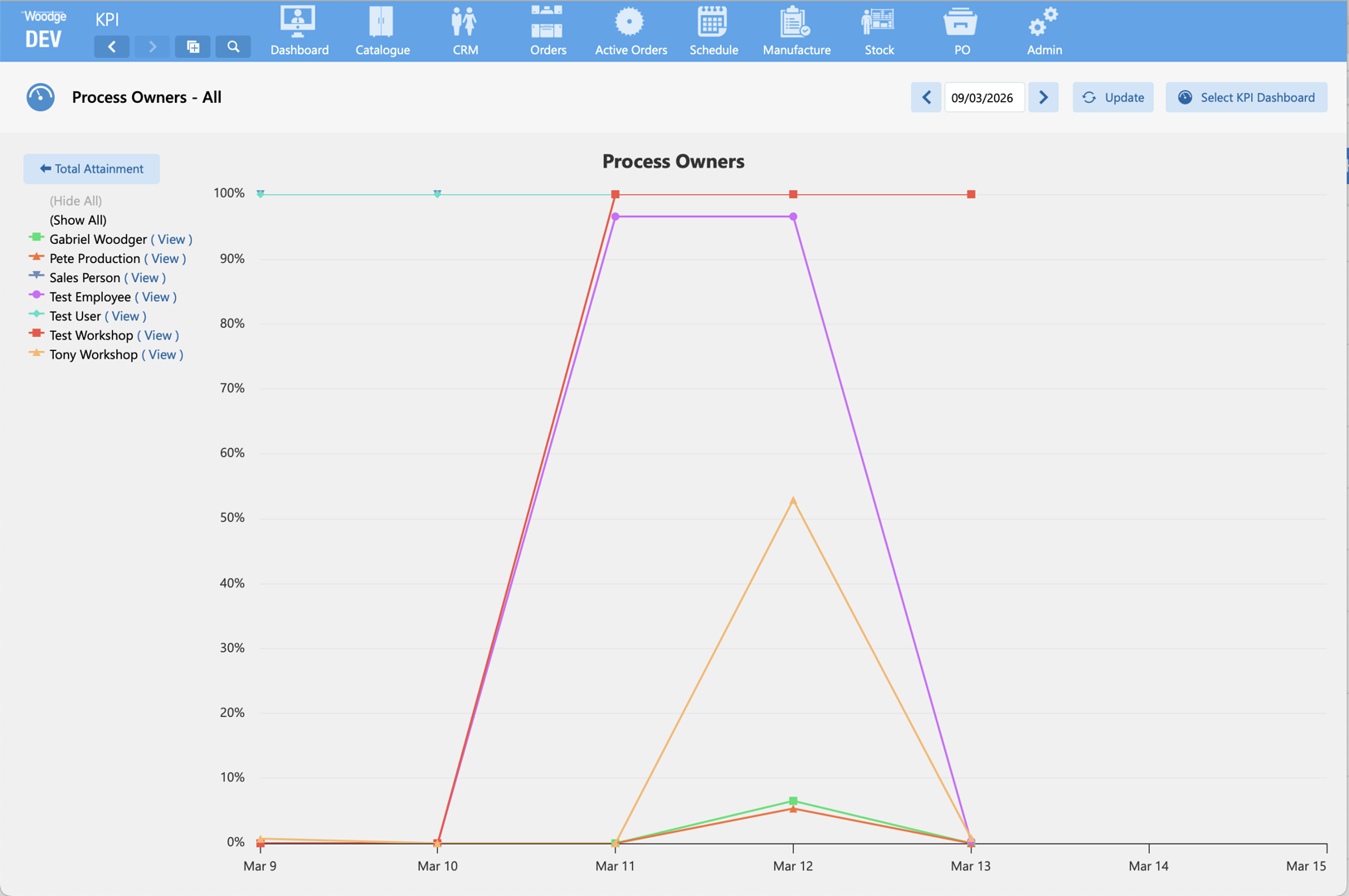
The behaviour of line graph stats on dashboards has been updated. As Process Owner statistics are only generated on days where work exists, the graph would previously auto-zoom to fit the available data range, making it difficult to compare results when switching between different Process Owners or individual processes.
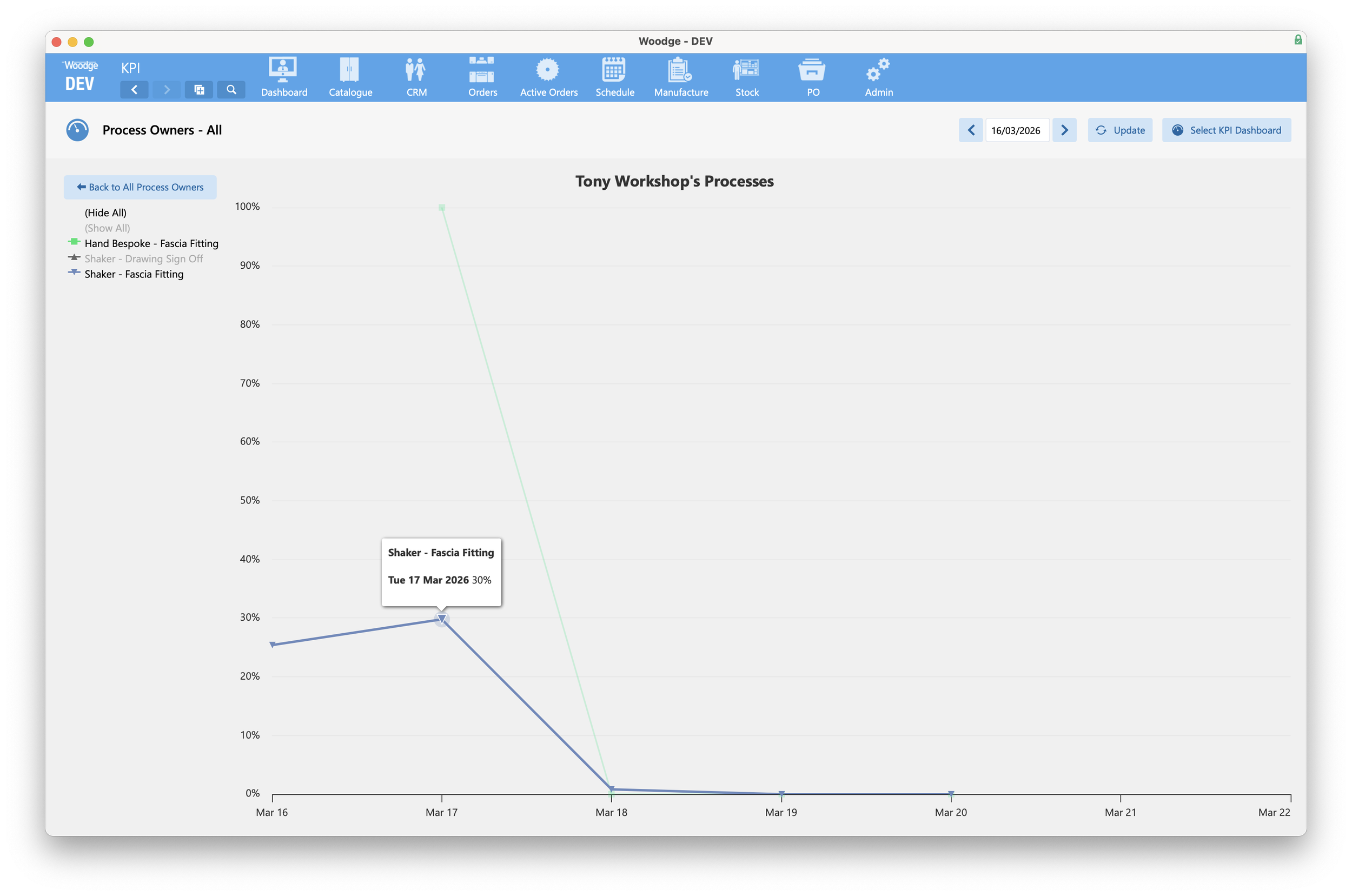
The displayed start and end dates are now calculated based on the selected date and the chosen dashboard duration. As stats are shown or hidden, the date range remains consistent, regardless of the underlying data.
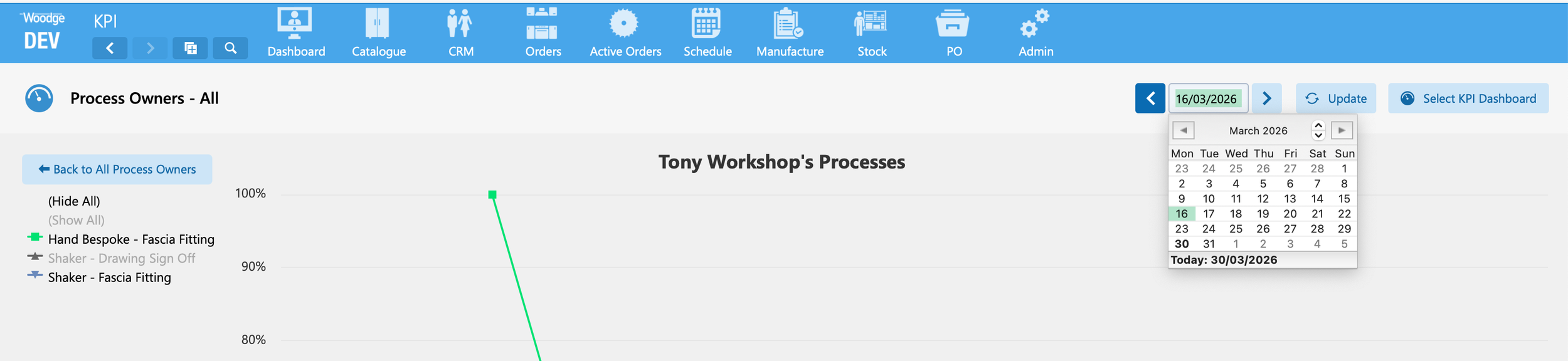
In addition, the left and right navigation buttons next to the selected date now move the view forwards or backwards by the selected duration (day, week, month, or year).
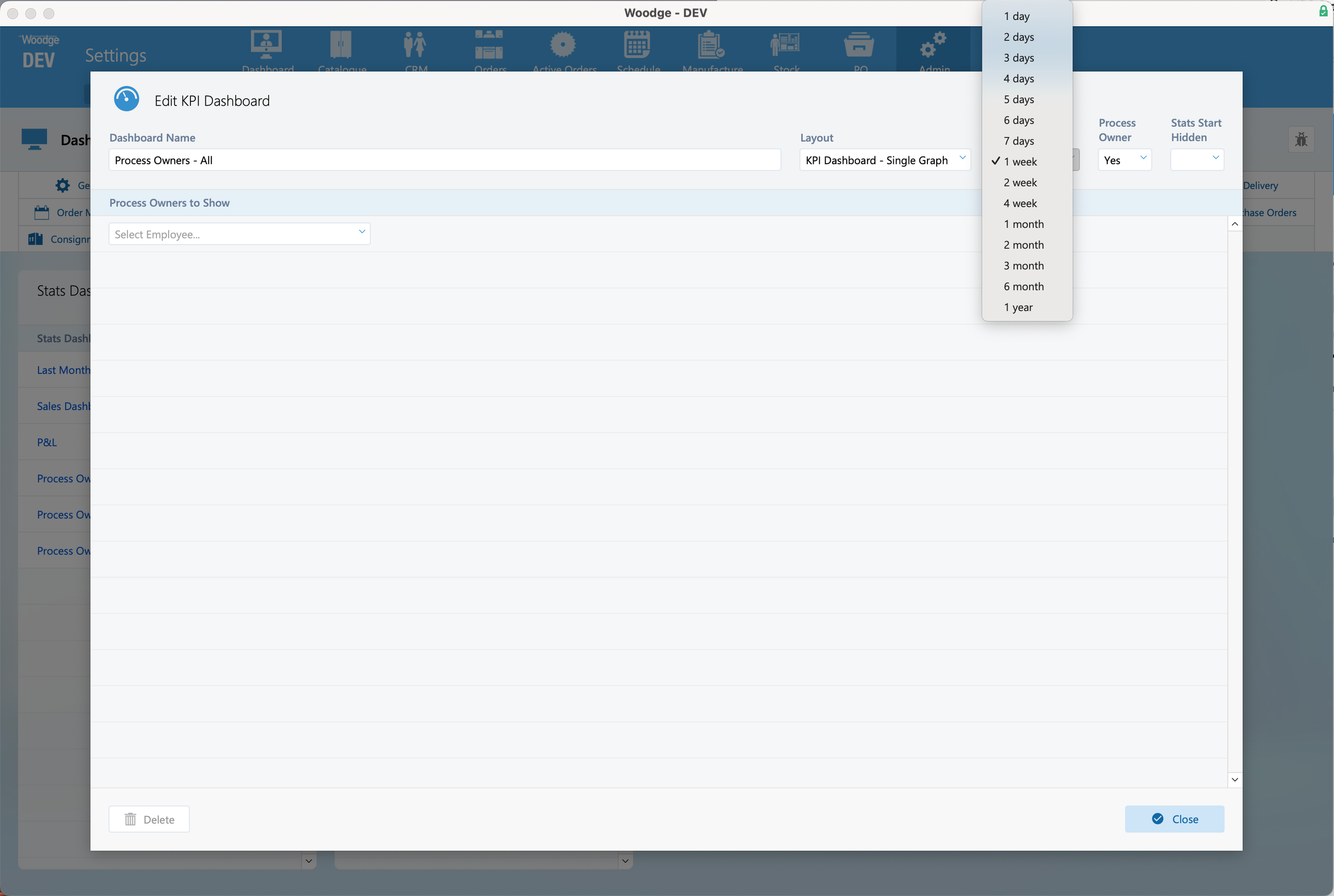
The dashboard duration is configured in the ‘Edit KPI Dashboard’ card window. Note that ‘7 days’ and ‘1 week’ behave differently: ‘1 week’ displays Monday to Sunday for the week in which the selected date falls, whereas ‘7 days’ shows the seven calendar days leading up to the selected date.
Consignment Barcode Scan Status
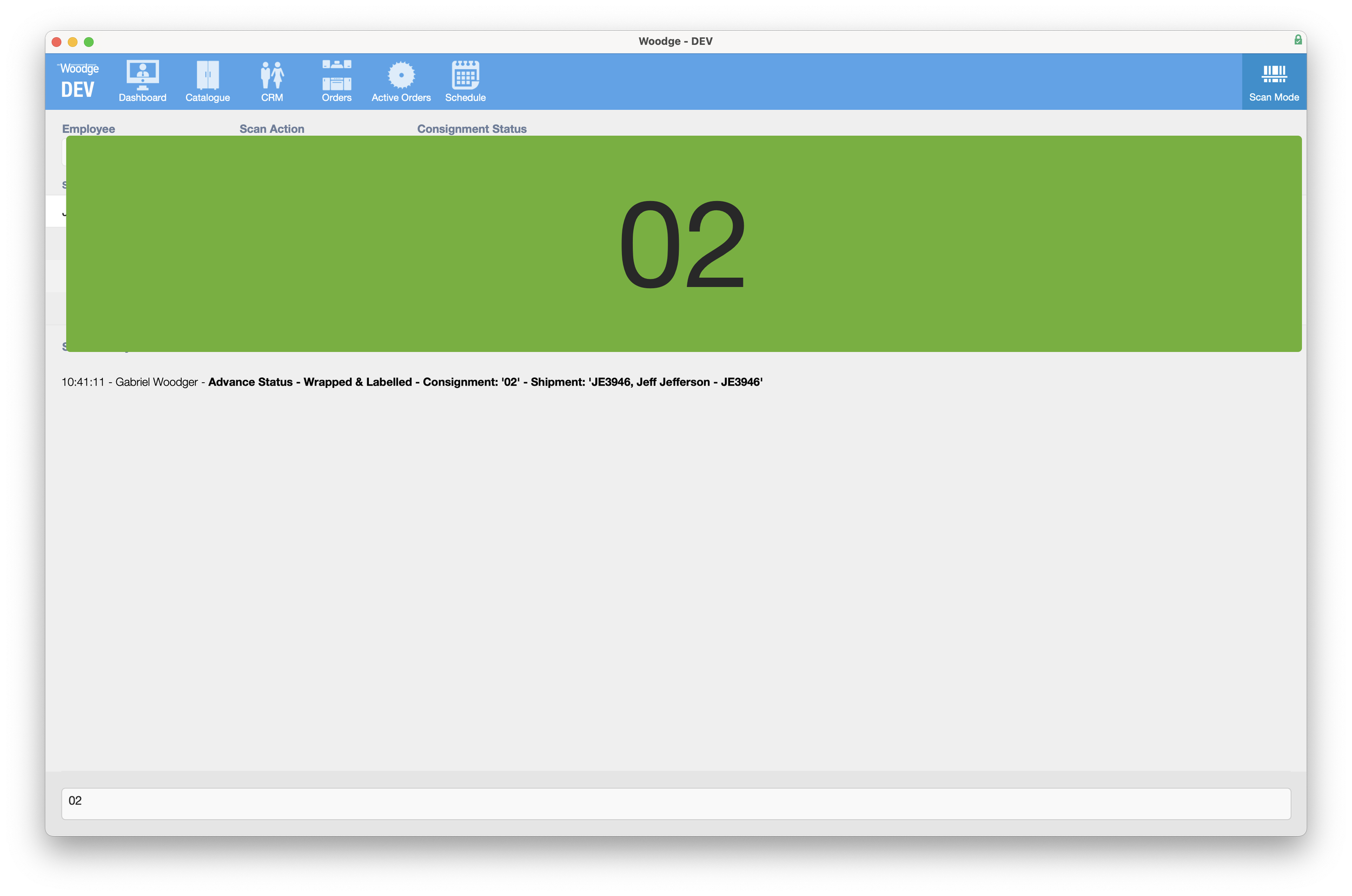
When scanning a consignment barcode in Woodge, a large status message for the most recent scan is temporarily displayed on screen, providing clear visual confirmation in addition to the audible confirmation tone. This message disappears after two seconds.
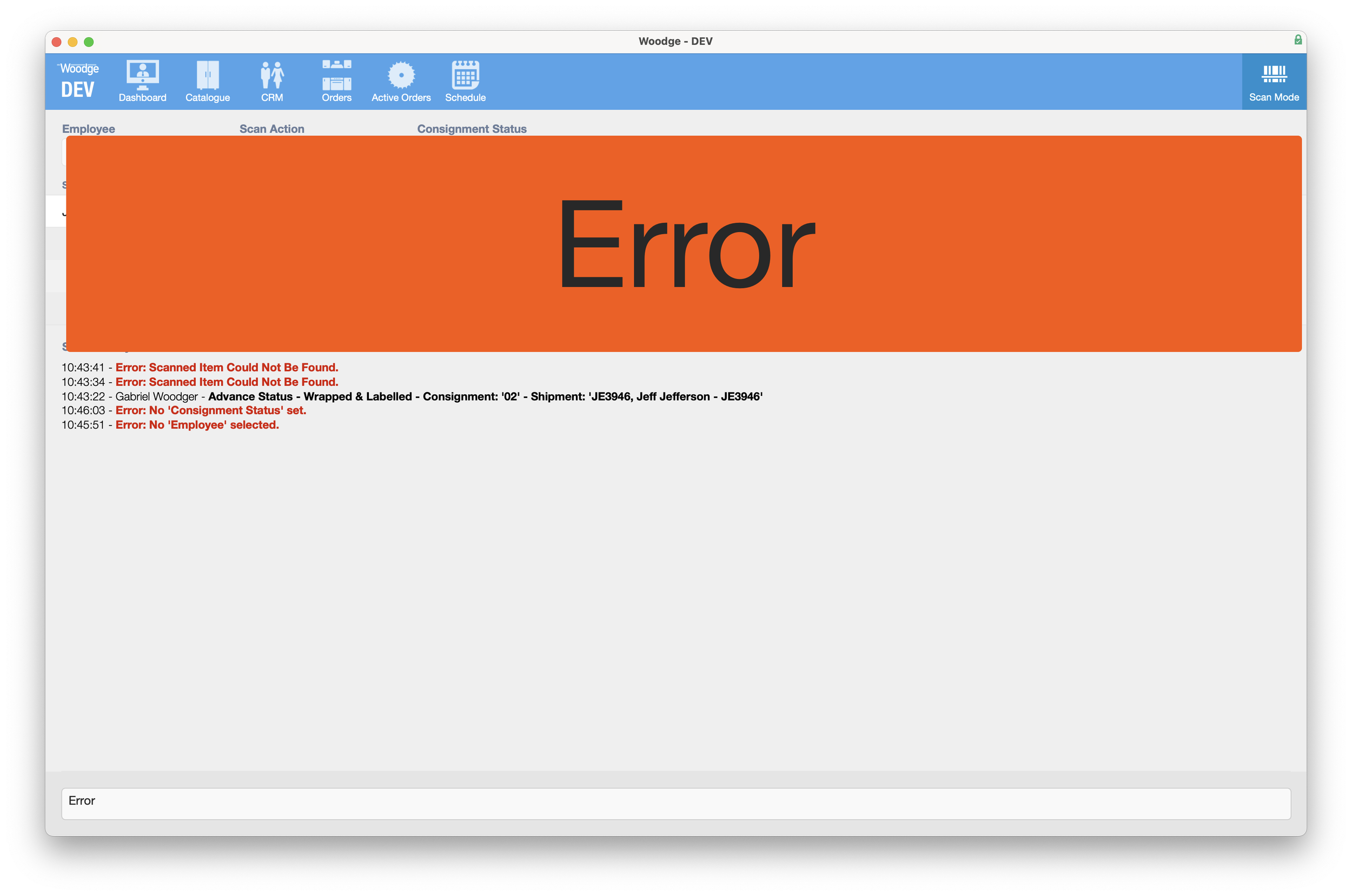
If the scan results in an error, the visual notification is shown with a red background and the word ‘Error’. This highlights that an issue has occurred, allowing the operator to review the scan log for details of what went wrong.
Hotfix Issue Status
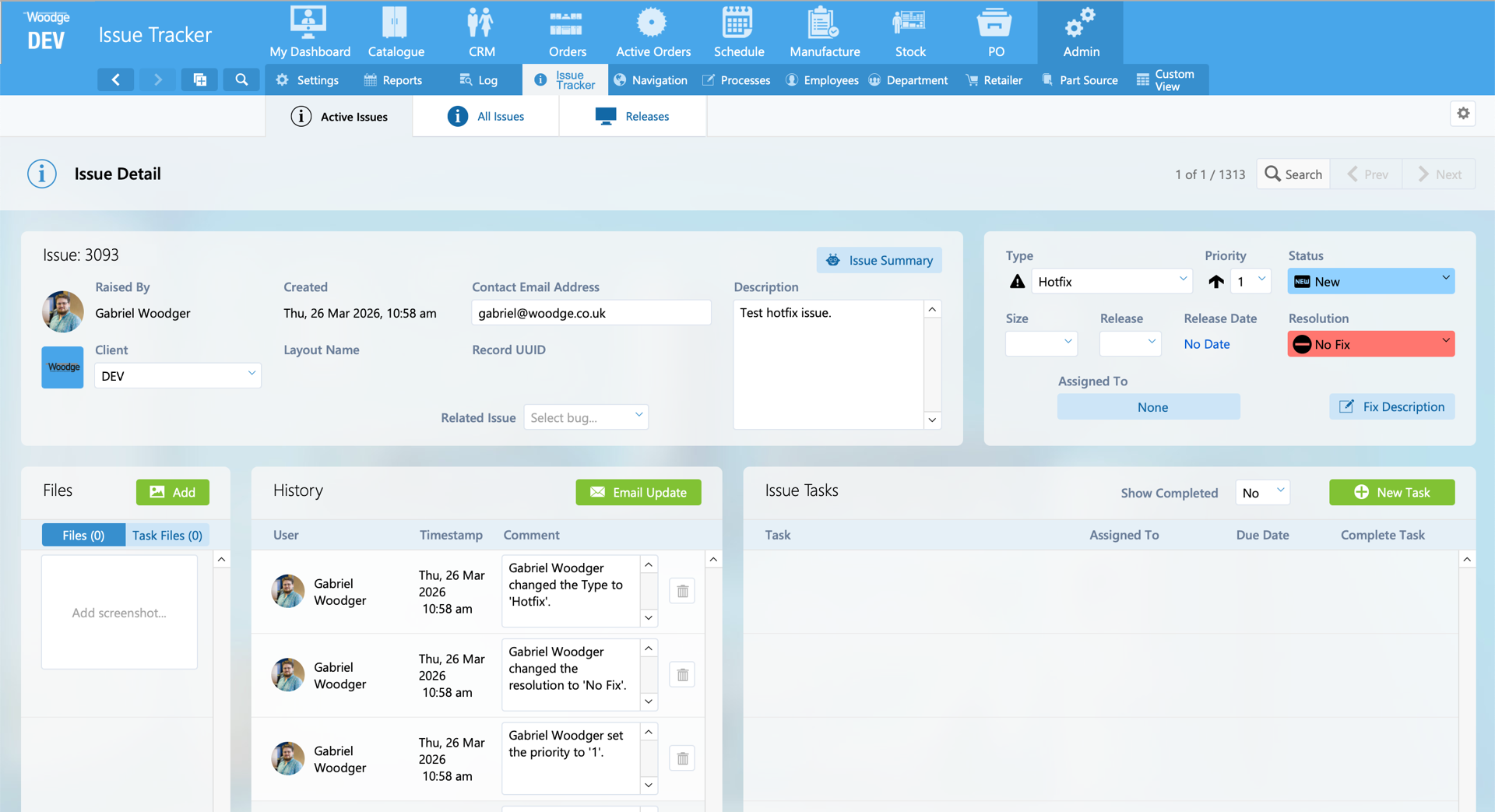
A new Issue Type, ‘Hotfix’, has been added to the Issue Tracker for issues requiring immediate attention.
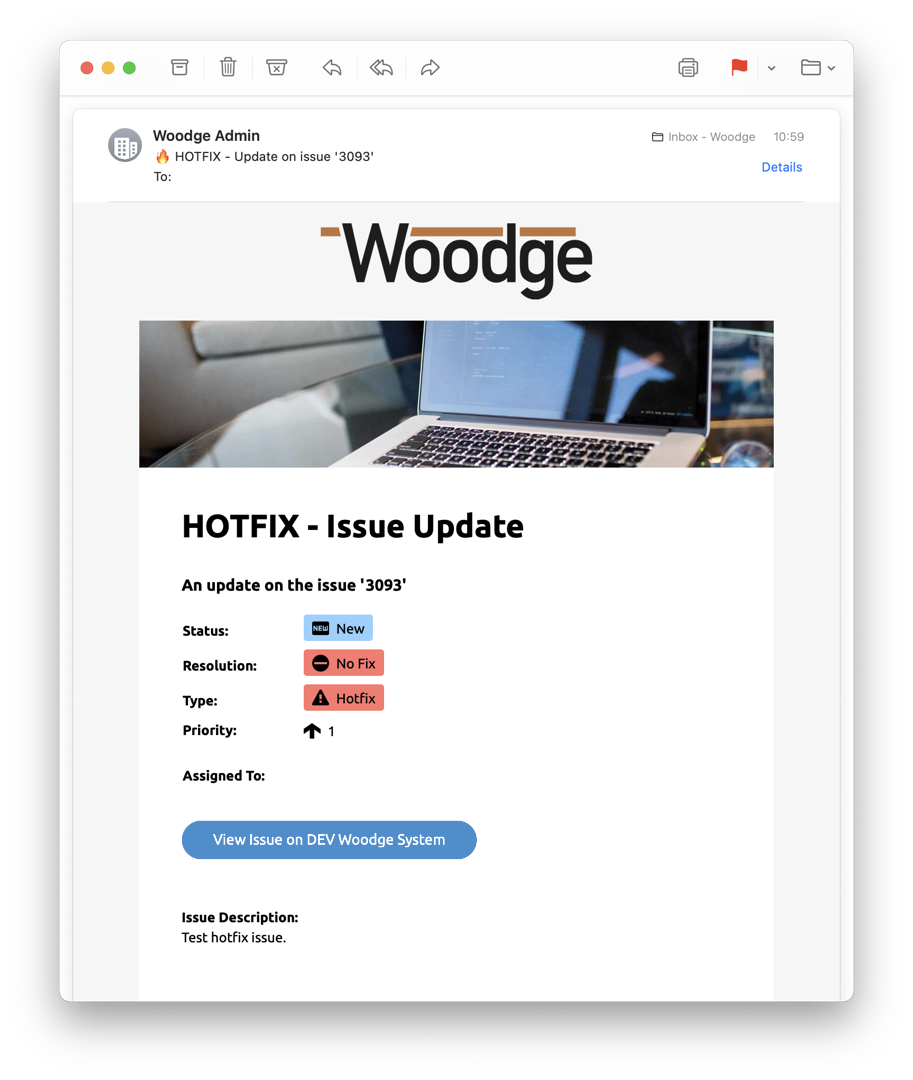
‘Issue Update’ emails have been enhanced to make them more prominent. The subject line now includes a 🔥 emoji, and the email templates have been updated to display icons for all statuses, resolutions, and issue types.